
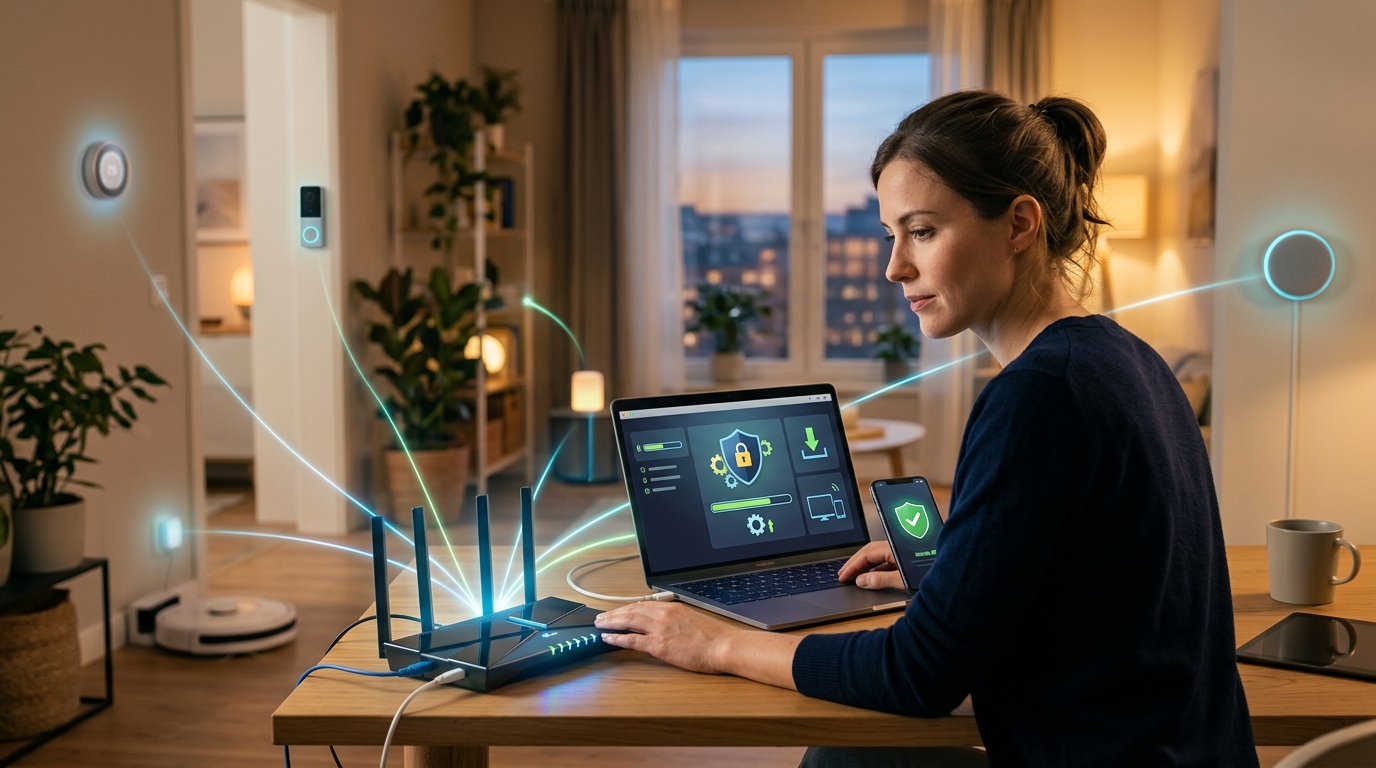
Are you tired of dealing with sluggish internet speeds and unreliable connections in your smart home? The core problem many of us face today is the lack of proper maintenance of our smart devices and home networks. As our homes become more interconnected with smart devices, from thermostats to security cameras to voice assistants, ensuring that these devices are up to date and our networks are secure is crucial for a seamless and efficient experience. Without regular updates and protection measures, our home networks are vulnerable to security breaches, slow performance, and potential malfunctions.
Imagine the frustration of experiencing constant buffering during a crucial work video call or discovering that your security camera feed has been compromised due to outdated software. The consequences of neglecting smart device maintenance can range from inconvenience to serious security risks, putting your personal data and privacy at stake. As we rely more on smart devices for convenience and security, it is essential to address these issues proactively. But fear not, there are practical steps you can take to update and protect your home network effectively. By following best practices for smart device maintenance and network security, you can ensure a smooth and secure smart home experience for you and your family. Let’s dive into these strategies and empower you to take control of your home network’s health.
Importance of Smart Device Maintenance
Smart devices have become an integral part of our daily lives, offering convenience and connectivity like never before. However, ensuring the proper maintenance of these devices is crucial to their longevity and optimal performance. Regular maintenance not only helps in extending the lifespan of your smart devices but also ensures that they function efficiently. Neglecting maintenance can lead to decreased performance, security vulnerabilities, and even hardware failures. By staying proactive and implementing a routine maintenance schedule, you can avoid potential issues and keep your smart devices running smoothly.
Updating Your Smart Devices
Regularly updating your smart devices is essential for keeping them secure and up-to-date with the latest features and improvements. Software updates often include important security patches that help protect your devices from cyber threats and vulnerabilities. By staying on top of updates, you can ensure that your devices are running the latest software versions and are less susceptible to security breaches. Additionally, updates may introduce new functionalities, enhance performance, and fix bugs that could be affecting your user experience. Make it a habit to check for updates regularly and install them as soon as they become available to optimize the performance and security of your smart devices.
Updating Your Smart Devices
Updating your smart devices regularly is crucial to ensure optimal performance and security. Manufacturers frequently release software updates to fix bugs, enhance features, and patch vulnerabilities that could be exploited by cybercriminals. By keeping your devices up to date, you not only enjoy the latest functionalities but also protect yourself from potential security risks.
Most smart devices offer automatic update settings that you can enable to streamline the process. However, it is essential to manually check for updates periodically, especially for critical security updates. Remember that maintaining the software on your smart devices is as important as securing your home network.
Securing Your Home Network
Securing your home network is vital to safeguard your personal information and prevent unauthorized access to your smart devices. Start by changing default passwords on your routers and smart devices to strong, unique passwords. Enable encryption protocols like WPA2 or WPA3 to protect your Wi-Fi network from potential intruders.
Additionally, consider setting up a guest network for visitors to keep your primary network secure. Regularly monitor your network activity and use firewalls to block unauthorized connections. By implementing these best practices, you can create a secure environment for your smart devices and ensure a safer online experience for you and your family.
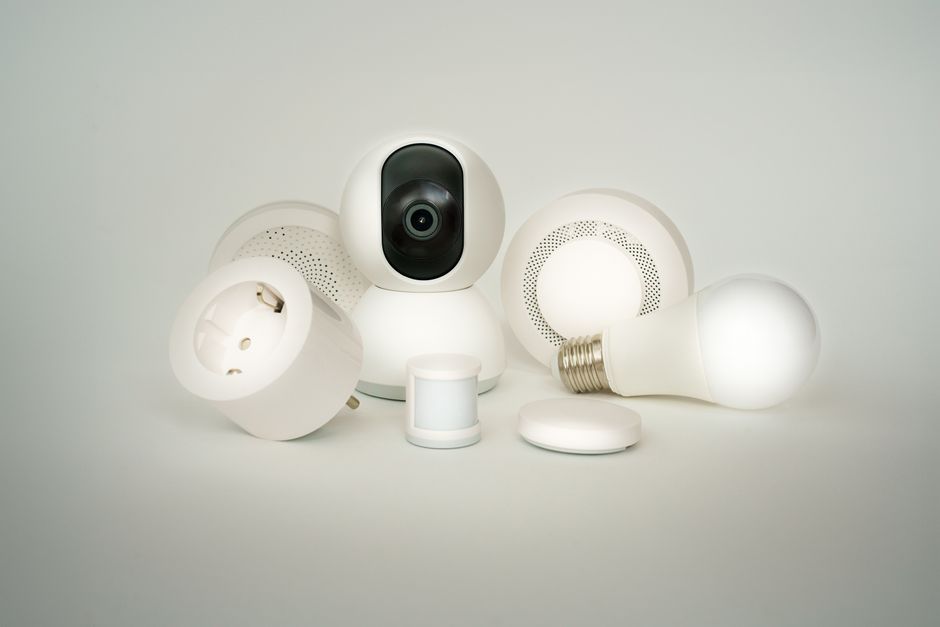
Securing Your Home Network
Securing your home network is crucial to protect your personal information and devices from cyber threats. By implementing strong security measures, you can prevent unauthorized access and keep your network safe. One essential step is to change the default password on your router and use a unique, strong password that includes a mix of letters, numbers, and special characters. Additionally, enabling encryption such as WPA2 or WPA3 can help safeguard your network from eavesdropping and unauthorized connections. Regularly updating your router’s firmware is also important to patch any vulnerabilities that could be exploited by hackers. By taking these proactive steps, you can create a secure home network environment for your smart devices.
Common Maintenance Issues
Common maintenance issues with smart devices can range from software glitches to hardware malfunctions, impacting the performance and usability of your devices. Issues such as slow responsiveness, frequent crashes, or connectivity problems can be frustrating to deal with. It is important to troubleshoot these problems promptly by checking for software updates, restarting the device, or contacting customer support for assistance. Regularly cleaning and maintaining your devices, such as removing dust and debris from vents or updating drivers, can also help prevent common issues. By staying proactive in addressing maintenance issues, you can ensure that your smart devices continue to function optimally and provide a seamless user experience.
Common Maintenance Issues
Smart devices require regular maintenance to ensure optimal performance and longevity. One common issue that users encounter is slow device performance, which can be caused by a variety of factors such as outdated software, cluttered storage, or background apps consuming resources. By regularly monitoring and managing these aspects, users can improve their smart device’s speed and responsiveness.
Another common maintenance issue is battery drain. Over time, smart device batteries may lose their capacity, leading to shorter battery life. Users can address this issue by optimizing their device settings, using power-saving modes, and avoiding overcharging. By taking proactive steps to address common maintenance issues, users can extend the lifespan of their smart devices and enjoy a seamless user experience.
Best Practices for Network Security
Securing your home network is essential to protect your smart devices and personal data from potential threats. One best practice is to set up a strong and unique password for your Wi-Fi network to prevent unauthorized access. Additionally, enabling network encryption such as WPA2 or WPA3 can further enhance the security of your network.
Regularly updating your router’s firmware is another crucial step in maintaining network security. Manufacturers release firmware updates to address vulnerabilities and improve overall security. By staying up to date with these updates, you can ensure that your home network remains secure against emerging threats. Implementing strong security measures and staying vigilant can help safeguard your smart devices and maintain a secure home network environment.
Best Practices for Network Security
Ensuring the security of your home network is crucial in this digital age. Implementing best practices for network security can help protect your personal information, devices, and sensitive data from cyber threats. One essential step is to regularly update your router’s firmware to patch any vulnerabilities and strengthen its defenses against potential attacks. Additionally, setting up a strong and unique password for your Wi-Fi network can prevent unauthorized access and keep your connection secure.
Regularly monitoring your network activity can also help you detect any suspicious behavior or unauthorized devices connected to your network. Enabling encryption protocols like WPA3 can further enhance the security of your network by encrypting data transmission and making it more difficult for cybercriminals to intercept sensitive information. By following these best practices, you can significantly reduce the risk of cyber threats and enjoy a safer online experience.
Smart device maintenance and network security are crucial in today’s digital age. By regularly updating your devices and securing your home network, you can protect your personal information and ensure the smooth functioning of your smart gadgets. Remember to address common maintenance issues promptly to avoid any disruptions in your daily life. Following best practices for network security will help safeguard your data from potential cyber threats. In conclusion, staying vigilant and proactive in maintaining and securing your smart devices and home network is essential for a safe and seamless digital experience.