
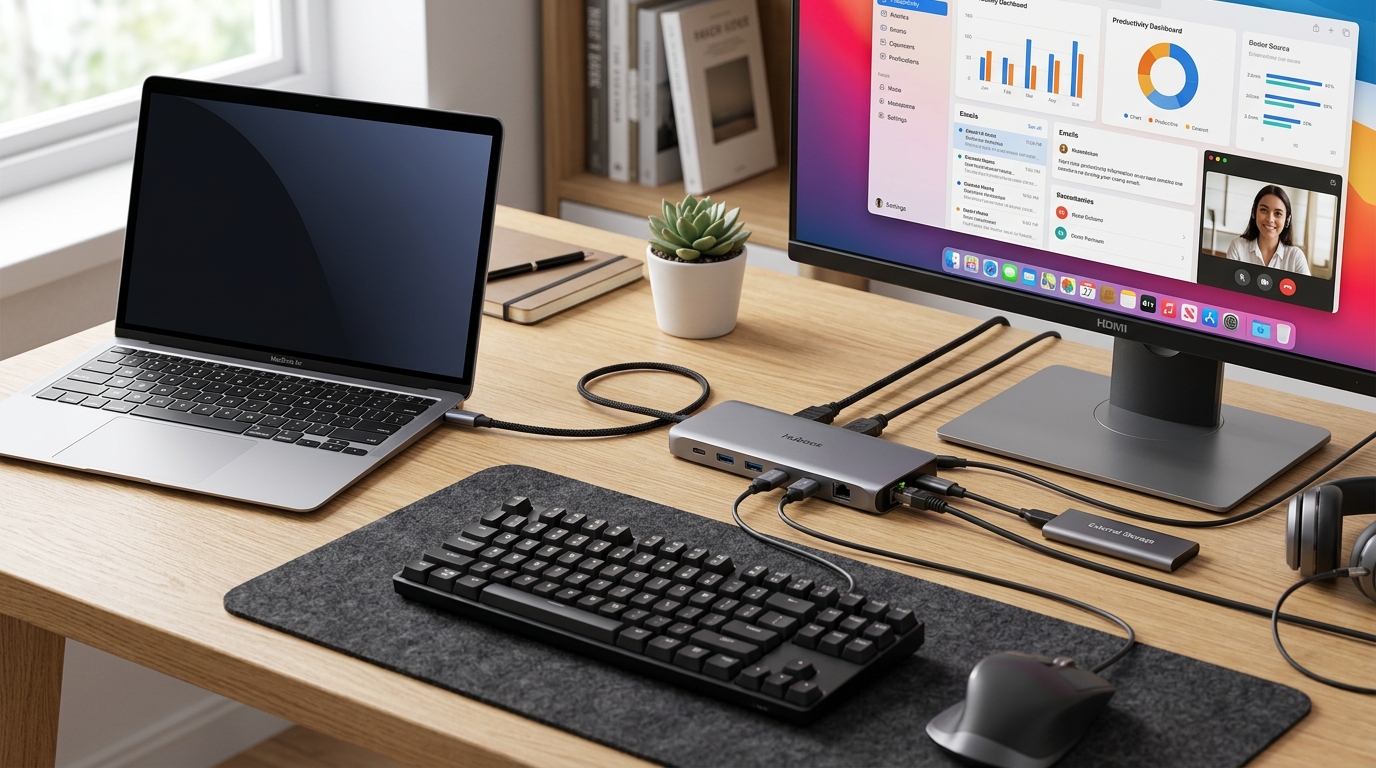
Are you tired of dealing with a cluttered desk full of cables and adapters just to connect all your devices to your laptop or computer? The struggle of managing multiple cords for your mouse, keyboard, external monitor, and other peripherals can be a daily frustration for many tech users. Not to mention the inconvenience of constantly plugging and unplugging different cables whenever you need to switch devices or move locations. This tangled mess not only looks unsightly but also wastes your precious time and energy. The core problem here is the lack of a streamlined and efficient way to connect all your peripherals with a single cable, causing unnecessary stress and hassle in your daily workflow.
Imagine a world where you can effortlessly connect all your devices with just one cable, simplifying your setup and maximizing your productivity. Introducing USB-C hubs and docking stations – the ultimate solution to your cable management woes. These innovative devices not only allow you to connect multiple peripherals to your laptop or computer using a single USB-C connection but also provide additional features like extra USB ports, SD card readers, Ethernet ports, and display outputs. Say goodbye to cable clutter and hello to a clean and organized workspace where you can focus on your tasks without being bogged down by unnecessary distractions. Streamline your setup, boost your efficiency, and revolutionize the way you work with USB-C hubs and docking stations – the game-changer your productivity has been waiting for!
Top Features to Look for in a USB-C Hub
When choosing a USB-C hub, it’s essential to consider the key features that will enhance your connectivity and productivity. Look for hubs that offer multiple USB ports, including USB-A and USB-C, to ensure compatibility with various devices. Additionally, consider hubs with an HDMI port for connecting to external displays or projectors. Ethernet ports can provide a reliable wired internet connection, which is crucial for faster and more stable network access.
Another important feature to look for is power delivery capability. Opt for a USB-C hub that supports power delivery to charge your devices while in use. SD card readers and audio jacks are also useful features to have for easy access to media files and audio devices. Finally, pay attention to the build quality and design of the hub to ensure durability and portability for on-the-go use.
Setting Up and Configuring Your USB-C Hub or Docking Station
Setting up and configuring your USB-C hub or docking station is a straightforward process that can significantly enhance your workflow. Begin by connecting the hub to your laptop or computer using the USB-C port. Make sure to install any necessary drivers or software that may come with the hub to enable full functionality.
Once connected, you can start plugging in your various devices and peripherals into the hub. Ensure that the hub is recognized by your system and that all connected devices are functioning correctly. Depending on the hub’s features, you may need to configure settings such as display preferences or network connections. Refer to the user manual or online guides for specific instructions on setting up and customizing your USB-C hub or docking station to suit your needs.
Top Features to Look for in a USB-C Hub
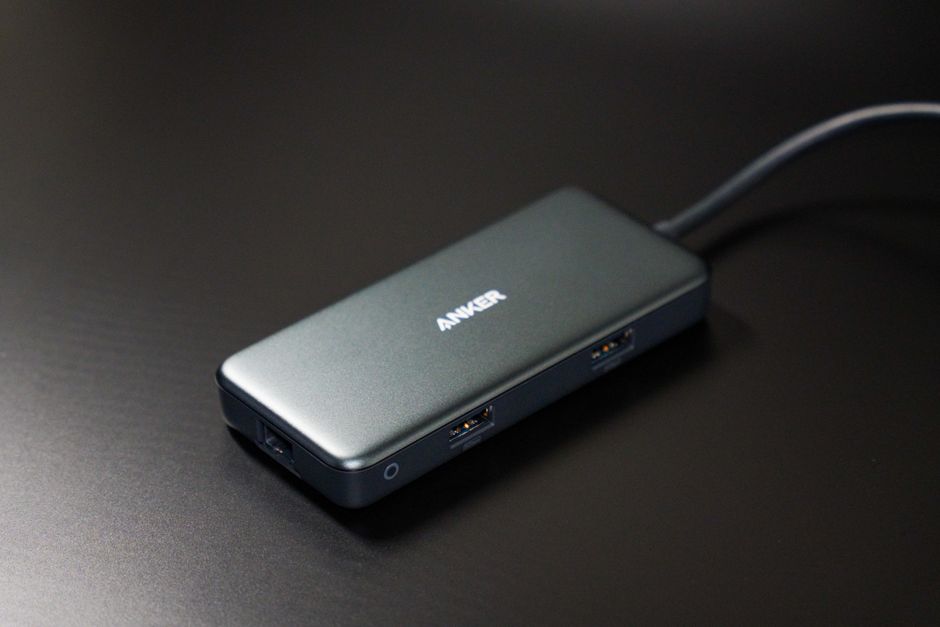
Port Variety: When selecting a USB-C hub, ensure it offers a diverse range of ports such as USB-A, HDMI, Ethernet, and SD card slots. This versatility allows you to connect various devices simultaneously and enhances productivity.
Power Delivery: Opt for a hub that supports Power Delivery (PD) if you frequently charge your devices through the hub. PD enables fast and efficient charging, ensuring your devices stay powered up throughout the day without any slowdowns.
How to Choose the Right Docking Station for Your Needs
Compatibility: Consider the compatibility of the docking station with your devices. Ensure it supports the necessary ports and connections required for seamless integration with your laptop, tablet, or other gadgets.
Performance: Evaluate the performance capabilities of the docking station, such as data transfer speeds, video output quality, and overall reliability. Investing in a high-performance docking station ensures smooth operation and enhances your overall user experience.
Comparison of Different USB-C Hubs and Docking Stations
When comparing various USB-C hubs and docking stations, it’s essential to consider factors such as the number and types of ports offered, data transfer speeds, power delivery capabilities, compatibility with different devices, and overall build quality. Some hubs may prioritize port variety, offering a mix of USB-A, HDMI, SD card slots, and Ethernet ports, while others may focus on high-speed data transfer rates or 4K video output.
Additionally, the design and form factor of the hub or docking station can play a significant role in your decision-making process. Some users may prefer a compact hub for portability, while others may prioritize a robust docking station with multiple connection options for a desktop setup. Ultimately, choosing the right USB-C hub or docking station depends on your specific needs and how you plan to use it in your daily workflow.
Setting Up and Configuring Your USB-C Hub or Docking Station
Setting up your USB-C hub or docking station is a straightforward process that involves connecting the hub to your computer’s USB-C port. Ensure that the hub is compatible with your device and that all necessary drivers are installed. Once connected, you can start configuring the hub based on your preferences and needs. This may involve adjusting display settings, connecting peripherals, and customizing shortcuts for easy access.
Configuring peripherals and devices
After setting up the hub, you can start configuring your peripherals and devices for seamless use. This includes connecting external monitors, USB devices, Ethernet cables, and other accessories to the hub. Make sure to check compatibility and install any required drivers to ensure proper functionality. You can then customize settings such as display arrangement, device priority, and power management to optimize your workflow and enhance productivity.
Troubleshooting Common Issues with USB-C Hubs and Docking Stations
USB-C hubs and docking stations are highly convenient tools for expanding connectivity options, but they may encounter common issues that can be frustrating to troubleshoot. One common issue is compatibility problems with certain devices, which can result in devices not being recognized or not functioning properly when connected to the hub or docking station. This can often be resolved by checking for driver updates or ensuring that the devices are compatible with the hub’s specifications.
Another common issue users face is connectivity or power problems, where devices may not be charging or transferring data as expected. This could be due to a faulty cable, insufficient power supply, or a malfunctioning port on the hub. Troubleshooting these issues may involve trying different cables, checking power sources, or testing different ports on the hub to pinpoint the source of the problem. By following systematic troubleshooting steps and referring to the manufacturer’s guidelines, many common issues with USB-C hubs and docking stations can be resolved efficiently.